> ## Documentation Index
> Fetch the complete documentation index at: https://docs.crewai.com/llms.txt
> Use this file to discover all available pages before exploring further.
# Outlook Trigger
> Launch automations from Outlook emails and calendar updates
## Overview
Automate responses when Outlook delivers a new message or when an event is removed from the calendar. Teams commonly route escalations, file tickets, or alert attendees of cancellations.
Connect Outlook in **Tools & Integrations** and ensure the trigger is enabled
for your deployment.
## Enabling the Outlook Trigger
1. Open your deployment in CrewAI AMP
2. Go to the **Triggers** tab
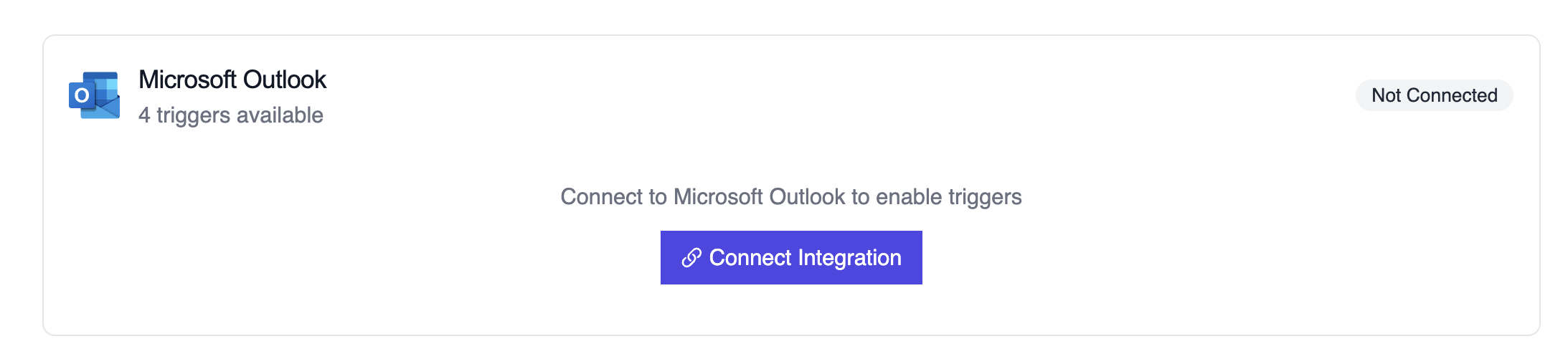
3. Locate **Outlook** and switch the toggle to enable
 ## Example: Summarize a new email
```python theme={null}
from outlook_message_crew import OutlookMessageTrigger
crew = OutlookMessageTrigger().crew()
crew.kickoff({
"crewai_trigger_payload": outlook_payload,
})
```
The crew extracts sender details, subject, body preview, and attachments before generating a structured response.
## Testando Localmente
Teste sua integração de trigger do Outlook localmente usando a CLI da CrewAI:
```bash theme={null}
# Visualize todos os triggers disponíveis
crewai triggers list
# Simule um trigger do Outlook com payload realista
crewai triggers run microsoft_outlook/email_received
```
O comando `crewai triggers run` executará sua crew com um payload completo do Outlook, permitindo que você teste sua lógica de parsing antes do deployment.
Use `crewai triggers run microsoft_outlook/email_received` (não `crewai run`)
para simular execução de trigger durante o desenvolvimento. Após o deployment,
sua crew receberá automaticamente o payload do trigger.
## Troubleshooting
* Verify the Outlook connector is still authorized; the subscription must be renewed periodically
* Teste localmente com `crewai triggers run microsoft_outlook/email_received` para ver a estrutura exata do payload
* If attachments are missing, confirm the webhook subscription includes the `includeResourceData` flag
* Review execution logs when events fail to match—cancellation payloads lack attendee lists by design and the crew should account for that
* Lembre-se: use `crewai triggers run` (não `crewai run`) para simular execução de trigger
## Example: Summarize a new email
```python theme={null}
from outlook_message_crew import OutlookMessageTrigger
crew = OutlookMessageTrigger().crew()
crew.kickoff({
"crewai_trigger_payload": outlook_payload,
})
```
The crew extracts sender details, subject, body preview, and attachments before generating a structured response.
## Testando Localmente
Teste sua integração de trigger do Outlook localmente usando a CLI da CrewAI:
```bash theme={null}
# Visualize todos os triggers disponíveis
crewai triggers list
# Simule um trigger do Outlook com payload realista
crewai triggers run microsoft_outlook/email_received
```
O comando `crewai triggers run` executará sua crew com um payload completo do Outlook, permitindo que você teste sua lógica de parsing antes do deployment.
Use `crewai triggers run microsoft_outlook/email_received` (não `crewai run`)
para simular execução de trigger durante o desenvolvimento. Após o deployment,
sua crew receberá automaticamente o payload do trigger.
## Troubleshooting
* Verify the Outlook connector is still authorized; the subscription must be renewed periodically
* Teste localmente com `crewai triggers run microsoft_outlook/email_received` para ver a estrutura exata do payload
* If attachments are missing, confirm the webhook subscription includes the `includeResourceData` flag
* Review execution logs when events fail to match—cancellation payloads lack attendee lists by design and the crew should account for that
* Lembre-se: use `crewai triggers run` (não `crewai run`) para simular execução de trigger