Overview
Use the Gmail Trigger to kick off your deployed crews when Gmail events happen in connected accounts, such as receiving a new email or messages matching a label/filter.
Make sure Gmail is connected in Tools & Integrations and the trigger is
enabled for your deployment.
Enabling the Gmail Trigger
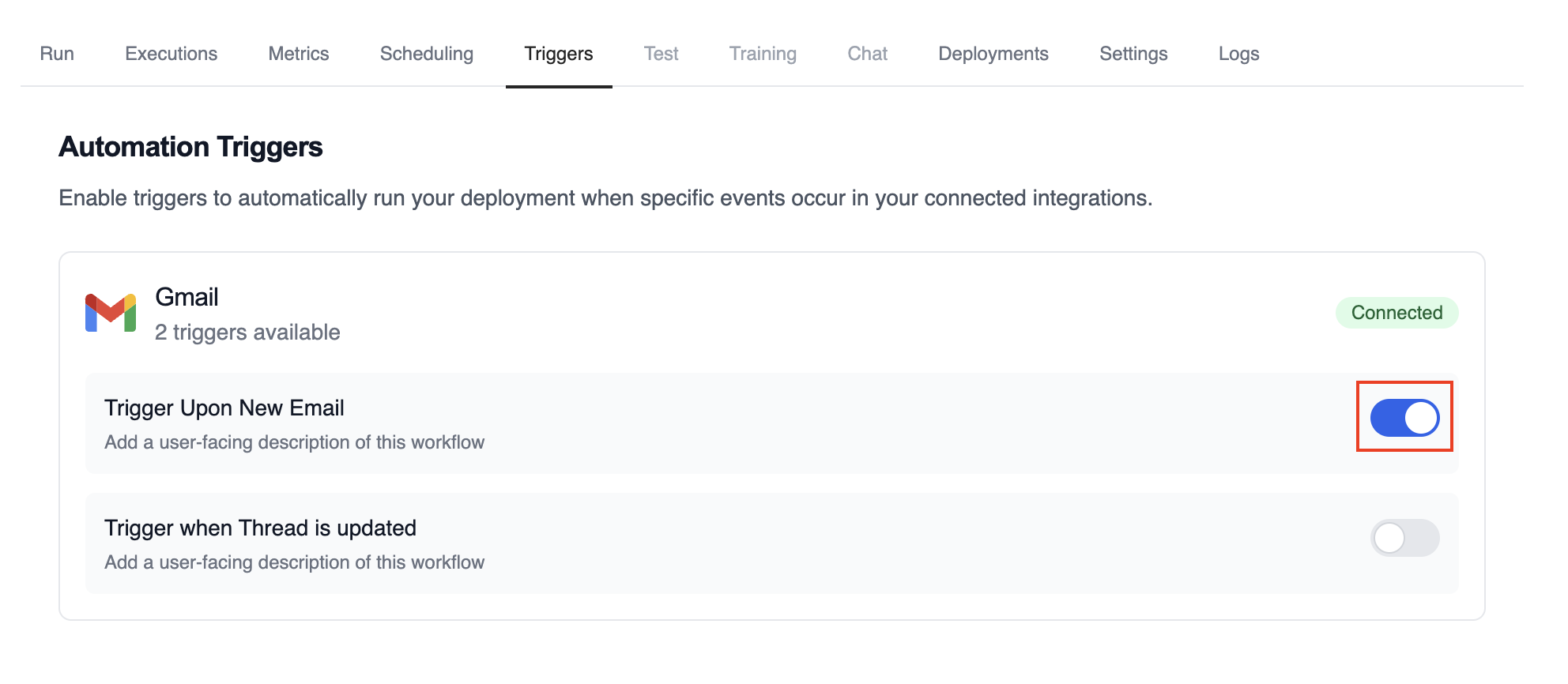
- Open your deployment in CrewAI AMP
- Go to the Triggers tab
- Locate Gmail and switch the toggle to enable
Example: Process new emails
When a new email arrives, the Gmail Trigger will send the payload to your Crew or Flow. Below is a Crew example that parses and processes the trigger payload.
The Gmail payload will be available via the standard context mechanisms.
Testando Localmente
Teste sua integração de trigger do Gmail localmente usando a CLI da CrewAI:
O comando crewai triggers run executará sua crew com um payload completo do Gmail, permitindo que você teste sua lógica de parsing antes do deployment.
Use crewai triggers run gmail/new_email_received (não crewai run) para
simular execução de trigger durante o desenvolvimento. Após o deployment, sua
crew receberá automaticamente o payload do trigger.
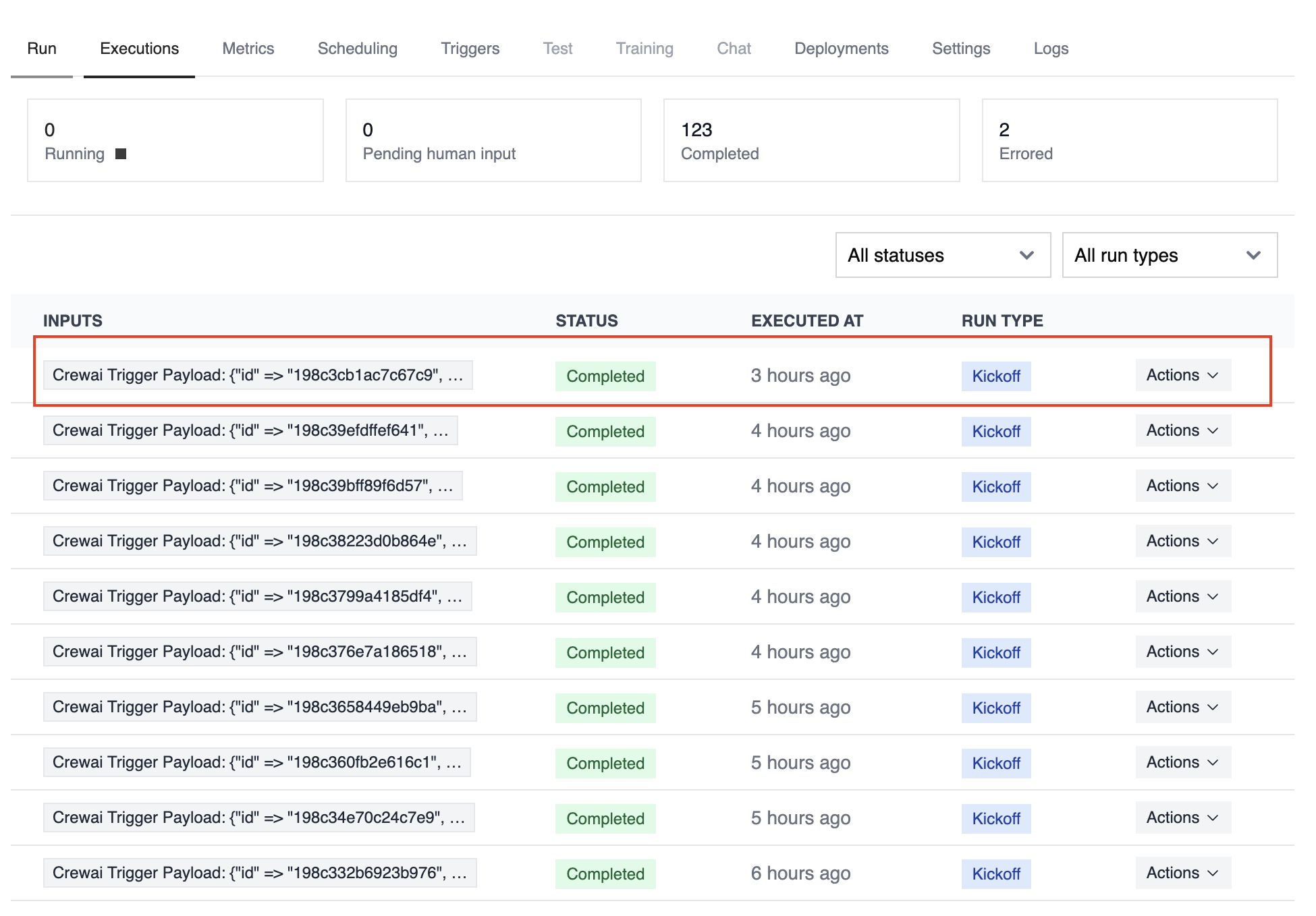
Monitoring Executions
Track history and performance of triggered runs:
Troubleshooting
- Ensure Gmail is connected in Tools & Integrations
- Verify the Gmail Trigger is enabled on the Triggers tab
- Teste localmente com
crewai triggers run gmail/new_email_received para ver a estrutura exata do payload
- Check the execution logs and confirm the payload is passed as
crewai_trigger_payload
- Lembre-se: use
crewai triggers run (não crewai run) para simular execução de trigger