
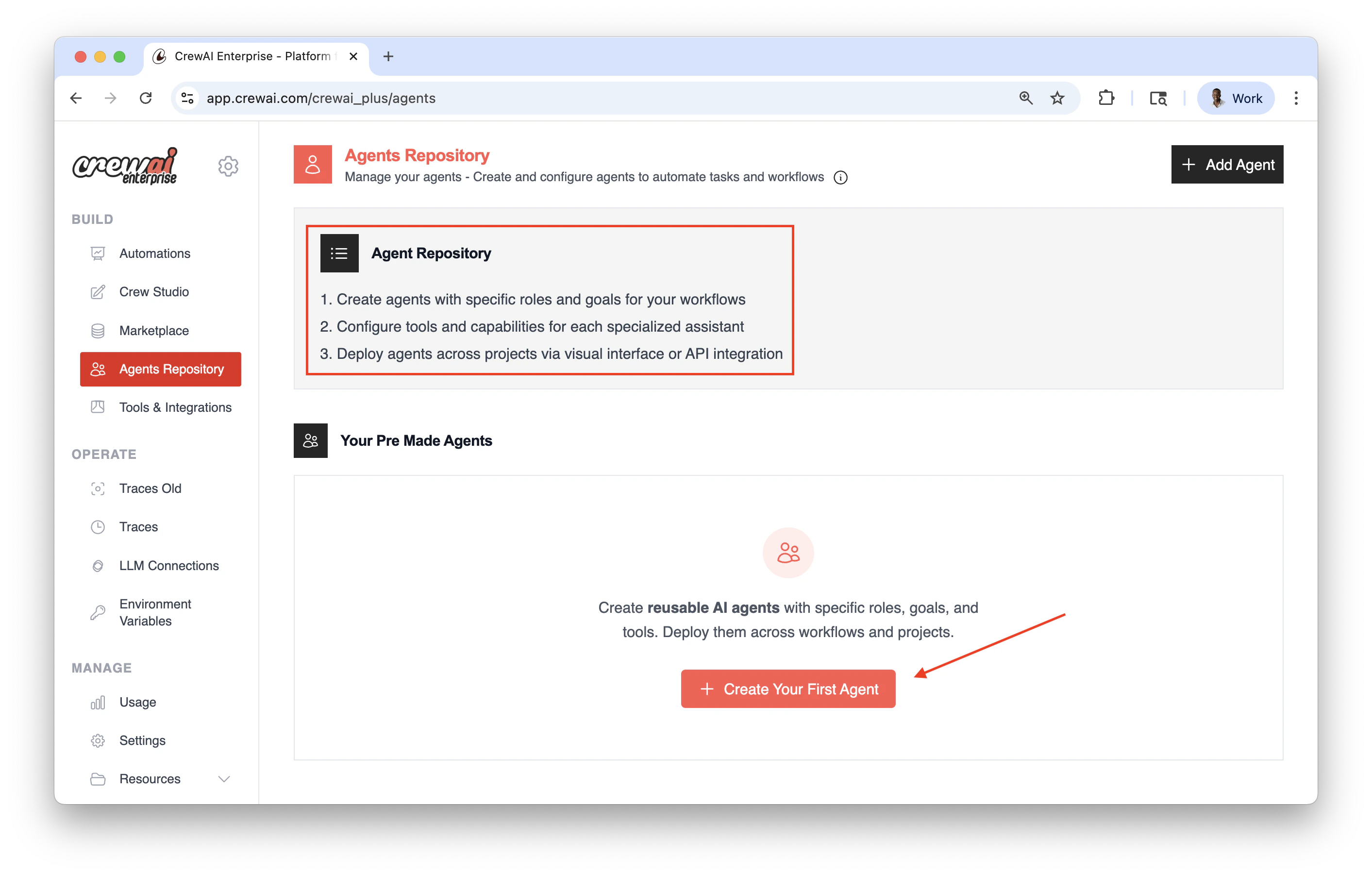
Benefits of Agent Repositories
- Standardization: Maintain consistent agent definitions across your organization
- Reusability: Create an agent once and use it in multiple crews and projects
- Governance: Implement organization-wide policies for agent configurations
- Collaboration: Enable teams to share and build upon each other’s work
Creating and Use Agent Repositories
- You must have an account at CrewAI, try the free plan.
- Create agents with specific roles and goals for your workflows.
- Configure tools and capabilities for each specialized assistant.
- Deploy agents across projects via visual interface or API integration.
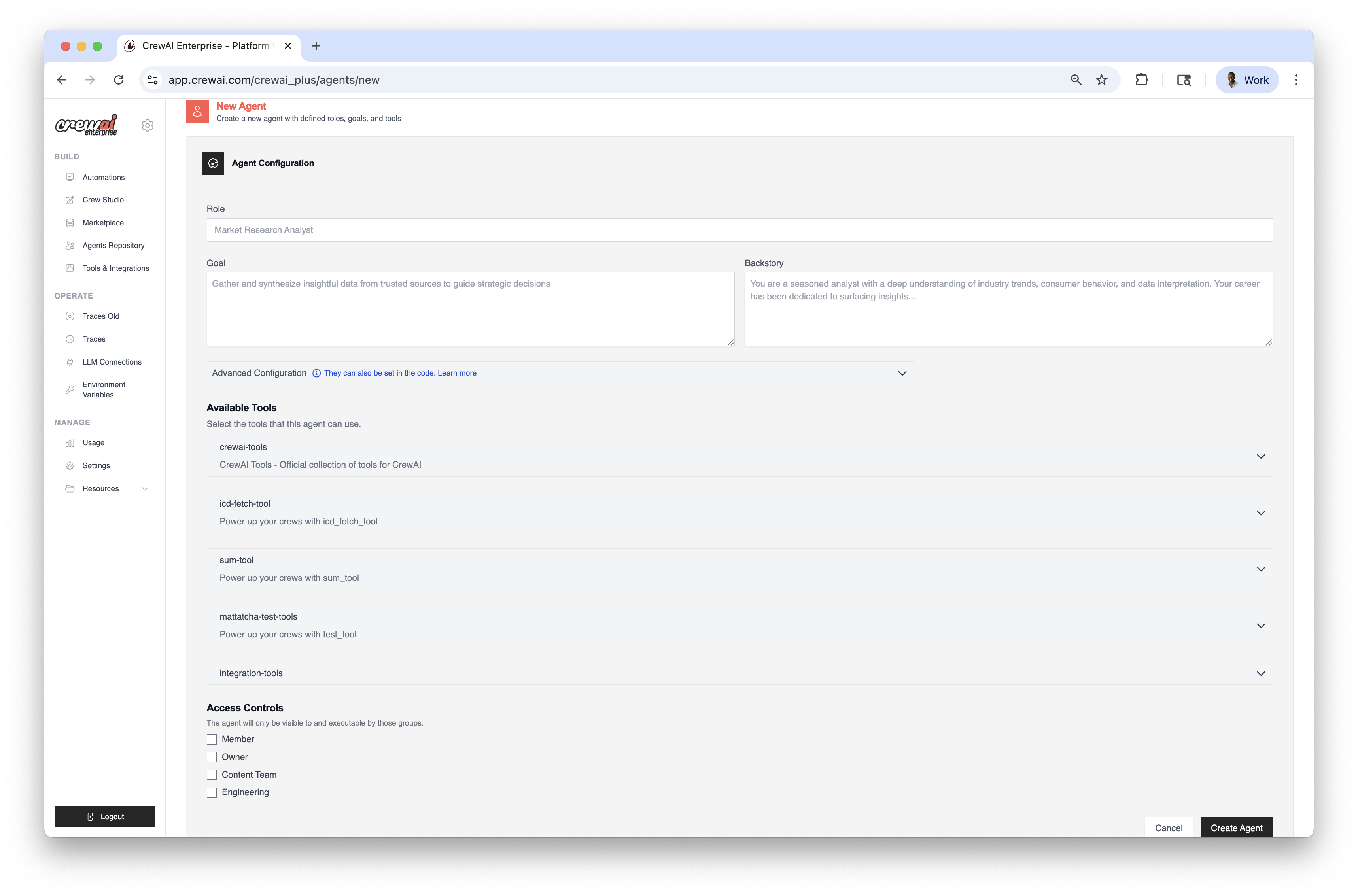
Loading Agents from Repositories
You can load agents from repositories in your code using thefrom_repository parameter to run locally:
Overriding Repository Settings
You can override specific settings from the repository by providing them in the configuration:Example: Creating a Crew with Repository Agents
Example: Using kickoff() with Repository Agents
You can also use repository agents directly with the kickoff() method for simpler interactions:
Best Practices
- Naming Convention: Use clear, descriptive names for your repository agents
- Documentation: Include comprehensive descriptions for each agent
- Tool Management: Ensure that tools referenced by repository agents are available in your environment
- Access Control: Manage permissions to ensure only authorized team members can modify repository agents
Organization Management
To switch between organizations or see your current organization, use the CrewAI CLI:When loading agents from repositories, you must be authenticated and switched to the correct organization. If you receive errors, check your authentication status and organization settings using the CLI commands above.