from crewai import Agent, Crew, Process, Task
from crewai_tools import SerperDevTool

def create_crew() -> Crew:
    """Create a crew with multiple agents for comprehensive tracing."""
    llm = LLM(model="gpt-4o-mini")
    search_tool = SerperDevTool()

    # Define agents with specific roles
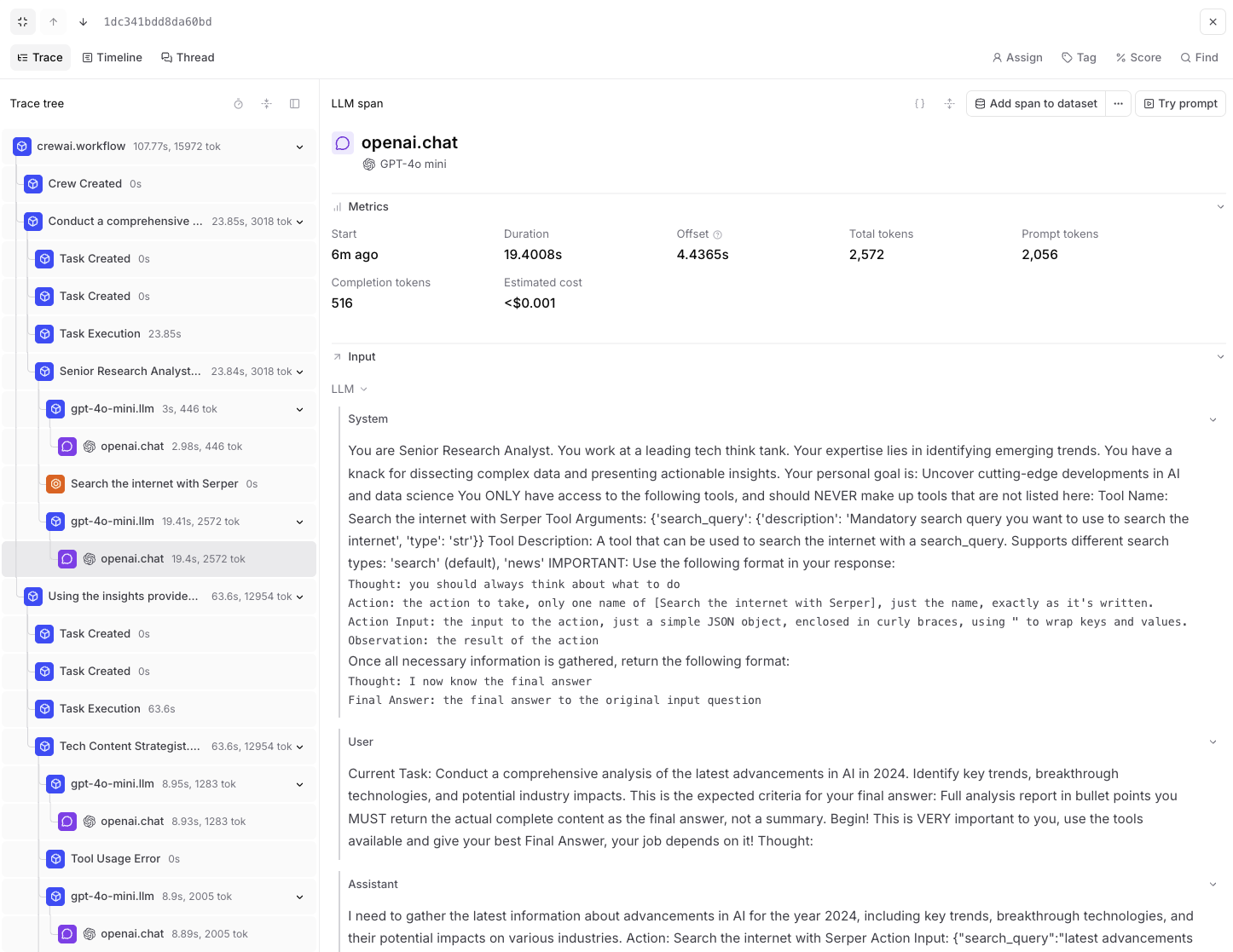
    researcher = Agent(
        role="Senior Research Analyst",
        goal="Uncover cutting-edge developments in AI and data science",
        backstory="""You work at a leading tech think tank.
        Your expertise lies in identifying emerging trends.
        You have a knack for dissecting complex data and presenting actionable insights.""",
        verbose=True,
        allow_delegation=False,
        llm=llm,
        tools=[search_tool],
    )

    writer = Agent(
        role="Tech Content Strategist",
        goal="Craft compelling content on tech advancements",
        backstory="""You are a renowned Content Strategist, known for your insightful and engaging articles.
        You transform complex concepts into compelling narratives.""",
        verbose=True,
        allow_delegation=True,
        llm=llm,
    )

    # Create tasks for your agents
    research_task = Task(
        description="""Conduct a comprehensive analysis of the latest advancements in {topic}.
        Identify key trends, breakthrough technologies, and potential industry impacts.""",
        expected_output="Full analysis report in bullet points",
        agent=researcher,
    )

    writing_task = Task(
        description="""Using the insights provided, develop an engaging blog
        post that highlights the most significant {topic} advancements.
        Your post should be informative yet accessible, catering to a tech-savvy audience.
        Make it sound cool, avoid complex words so it doesn't sound like AI.""",
        expected_output="Full blog post of at least 4 paragraphs",
        agent=writer,
        context=[research_task],
    )

    # Instantiate your crew with a sequential process
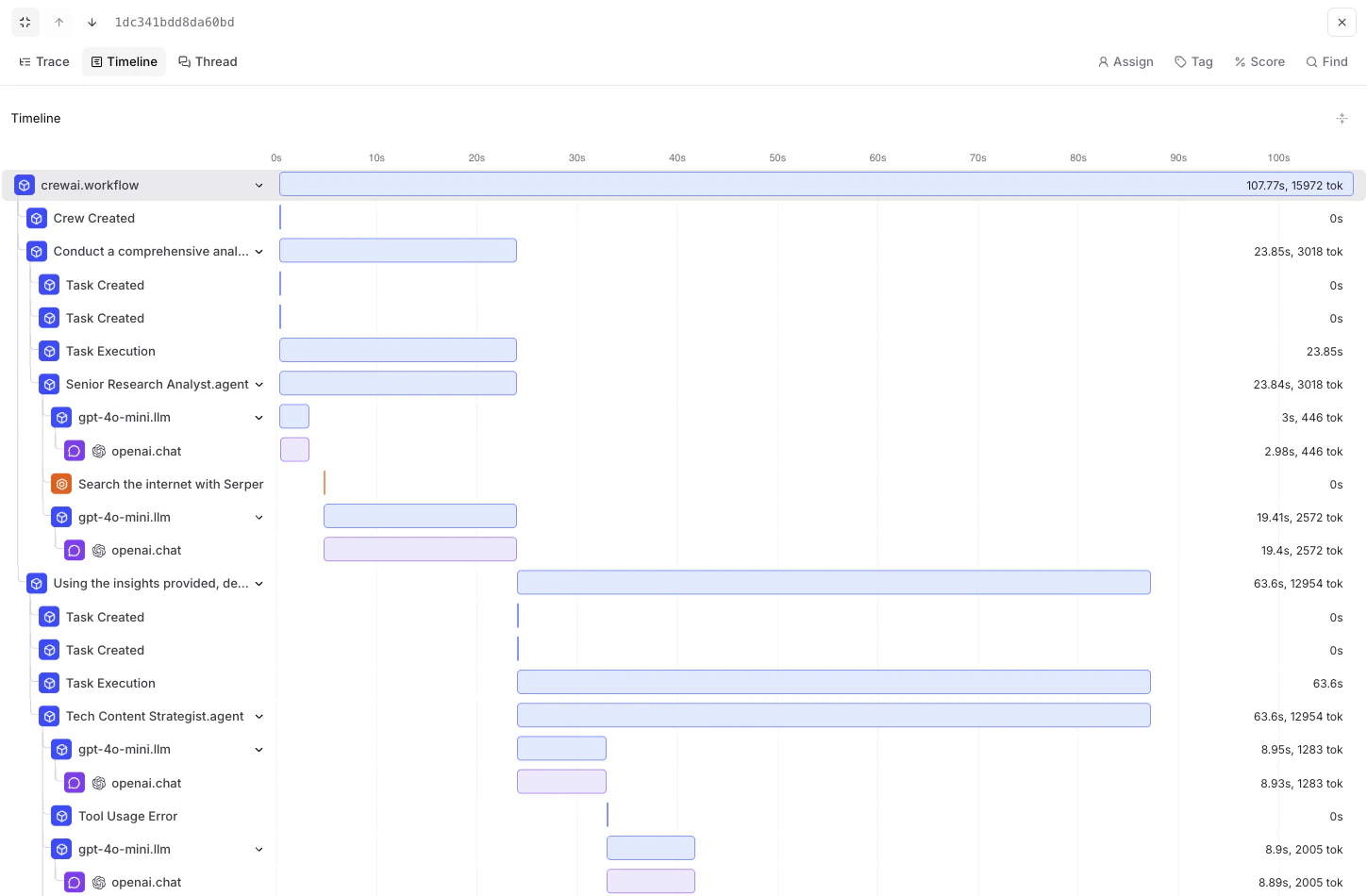
    crew = Crew(
        agents=[researcher, writer],
        tasks=[research_task, writing_task],
        verbose=True,
        process=Process.sequential
    )

    return crew

def run_crew():
    """Run the crew and return results."""
    crew = create_crew()
    result = crew.kickoff(inputs={"topic": "AI developments"})
    return result

# Run your crew
if __name__ == "__main__":
    # Instrumentation is already initialized above in this module
    result = run_crew()
    print(result)