
Overview
Tools & Integrations is the central hub for connecting third‑party apps and managing internal tools that your agents can use at runtime.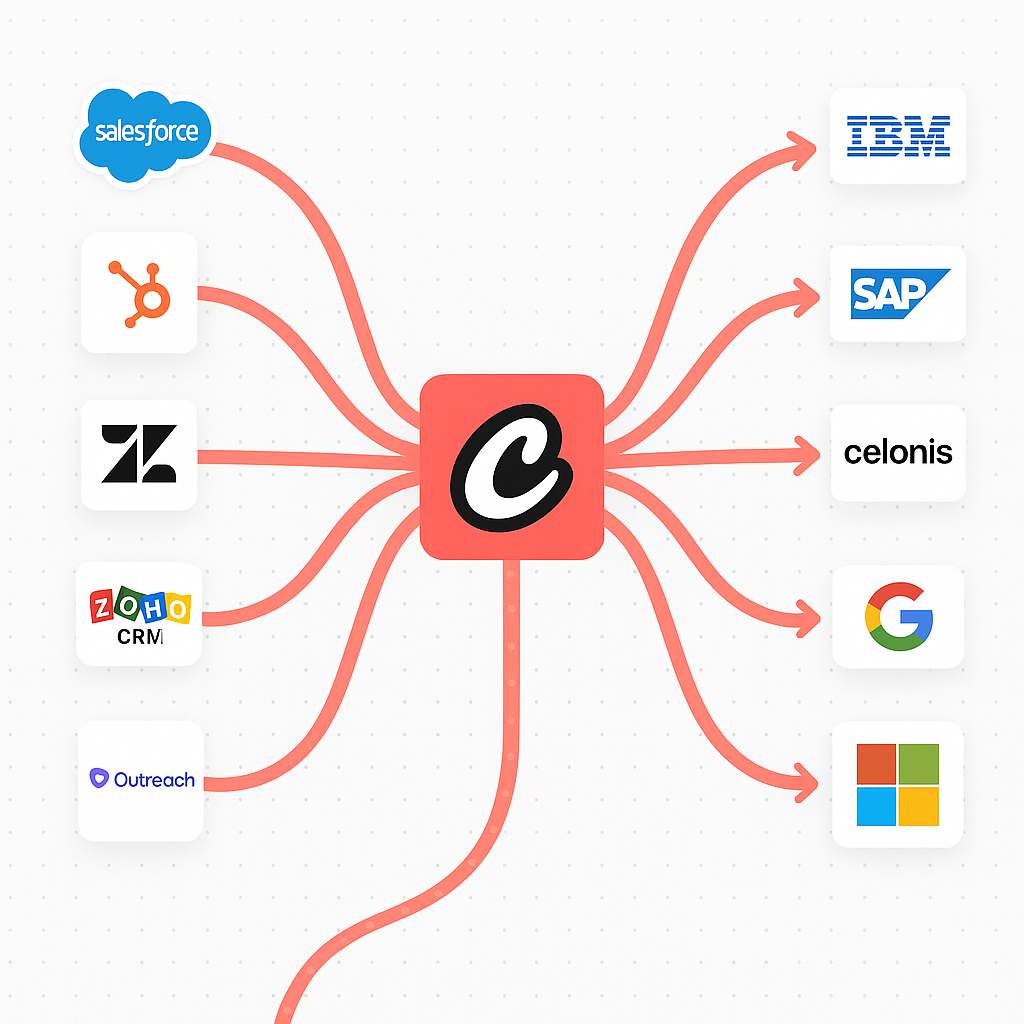
Explore
- Integrations
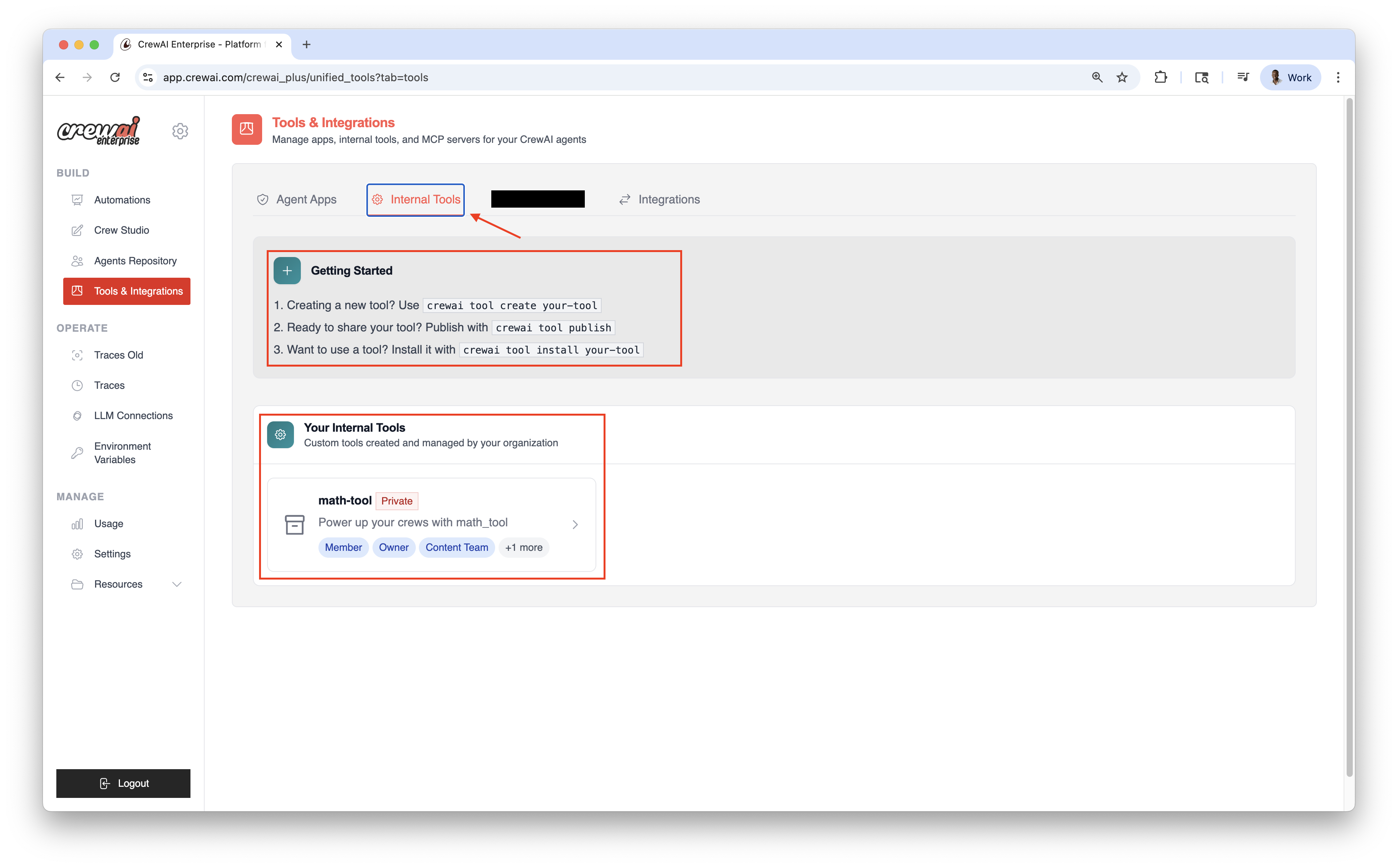
- Internal Tools
Agent Apps (Integrations)
Connect enterprise‑grade applications (e.g., Gmail, Google Drive, HubSpot, Slack) via OAuth to enable agent actions.1
Connect
Click Connect on an app and complete OAuth.
2
Configure
Optionally adjust scopes, triggers, and action availability.
3
Use in Agents
Connected services become available as tools for your agents.
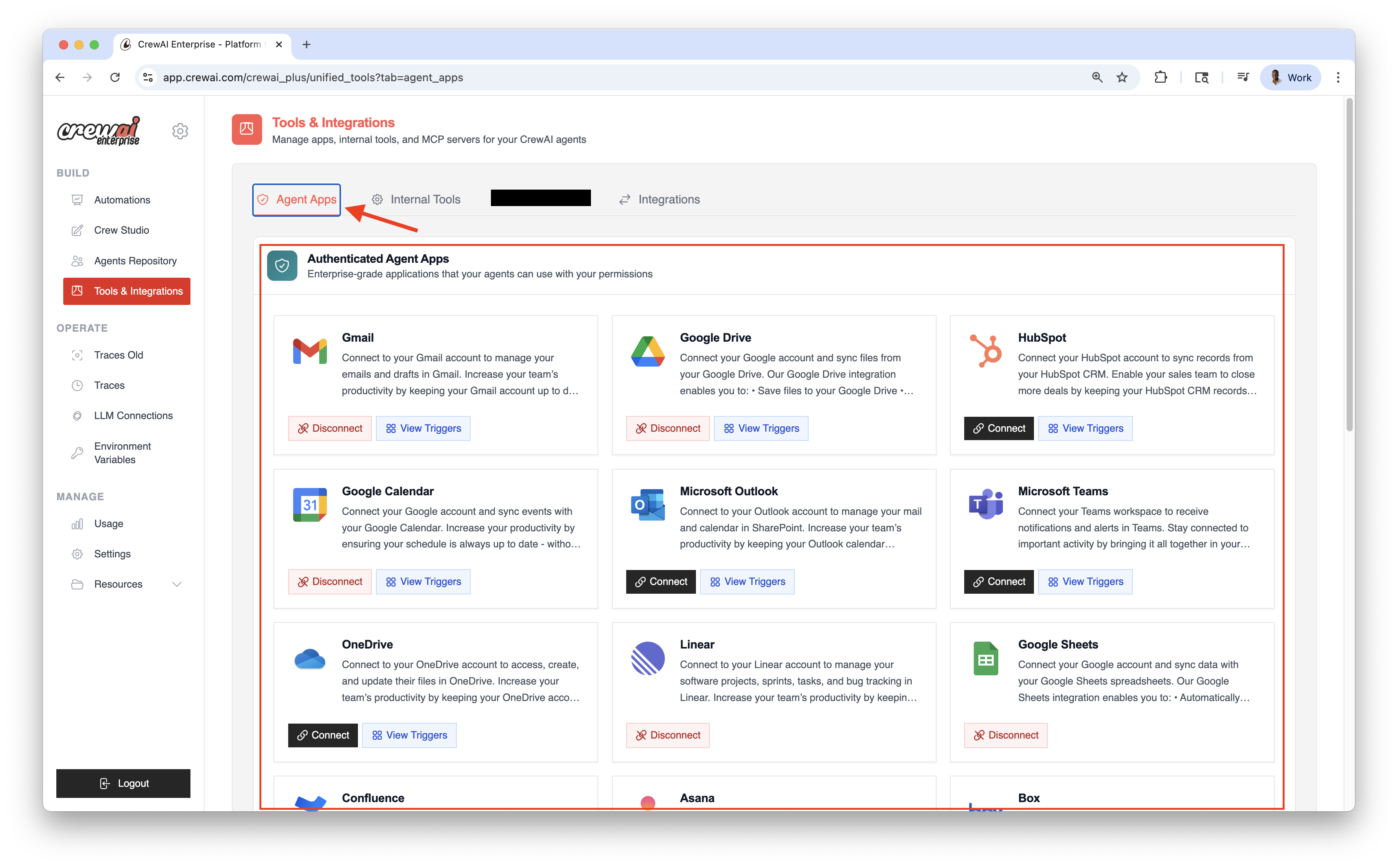
Connect your Account
- Go to Integrations
- Click Connect on the desired service
- Complete the OAuth flow and grant scopes
- Copy your Enterprise Token from Integration Settings
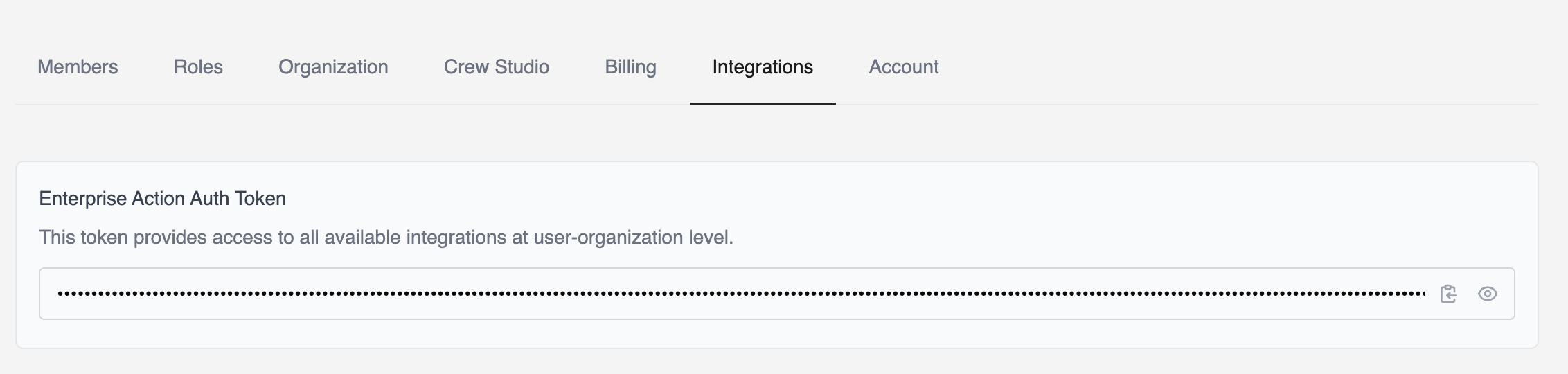
Install Integration Tools
To use the integrations locally, you need to install the latestcrewai-tools package.Environment Variable Setup
To use integrations with
Agent(apps=[]), you must set the
CREWAI_PLATFORM_INTEGRATION_TOKEN environment variable with your Enterprise
Token..env file:Usage Example
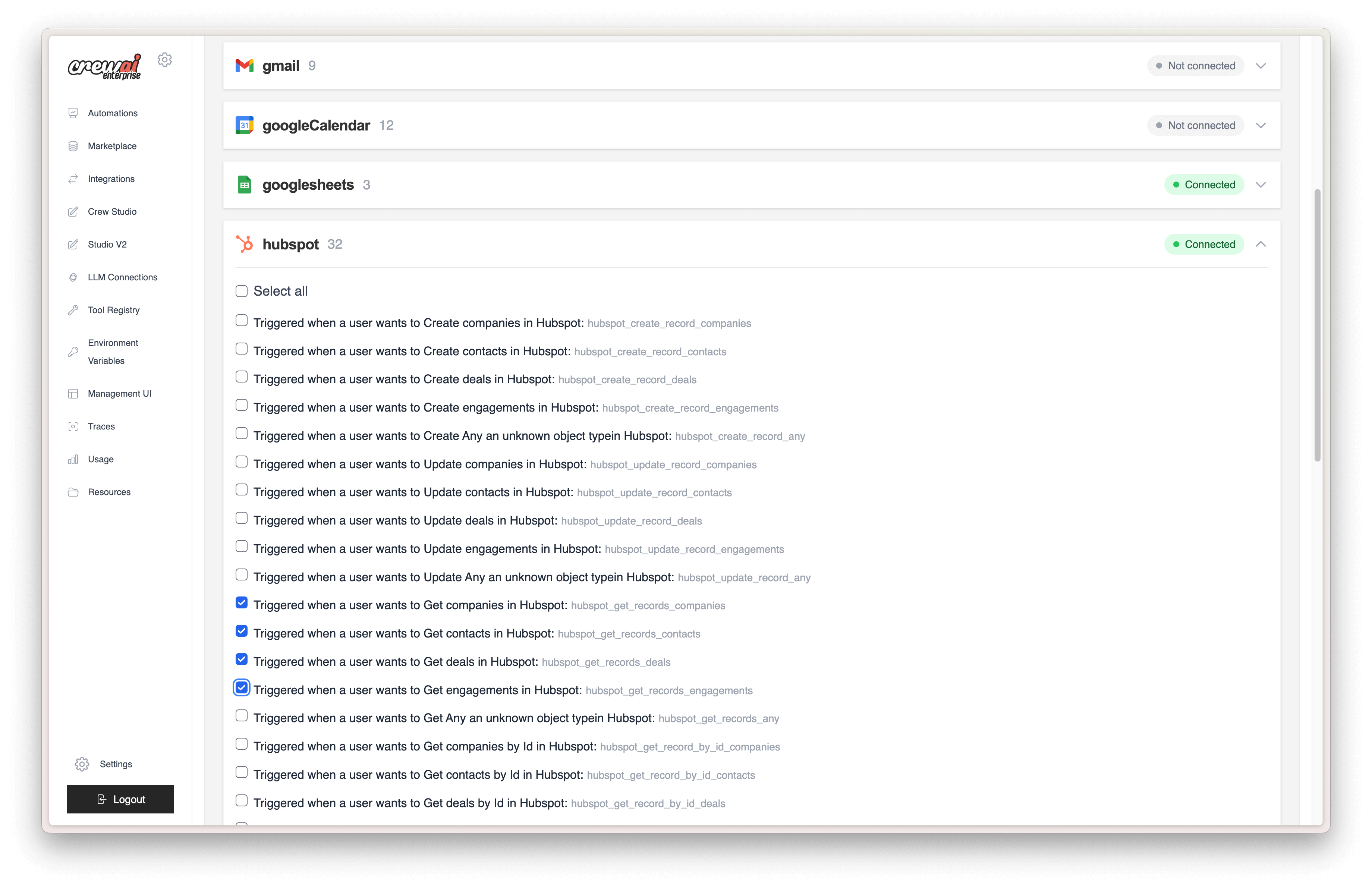
Filtering Tools
Scoped Deployments (multi‑user orgs)
You can scope each integration to a specific user. For example, a crew that connects to Google can use a specific user’s Gmail account.Use theuser_bearer_token to scope authentication to the requesting user. If the user isn’t logged in, the crew won’t use connected integrations. Otherwise it falls back to the default bearer token configured for the deployment.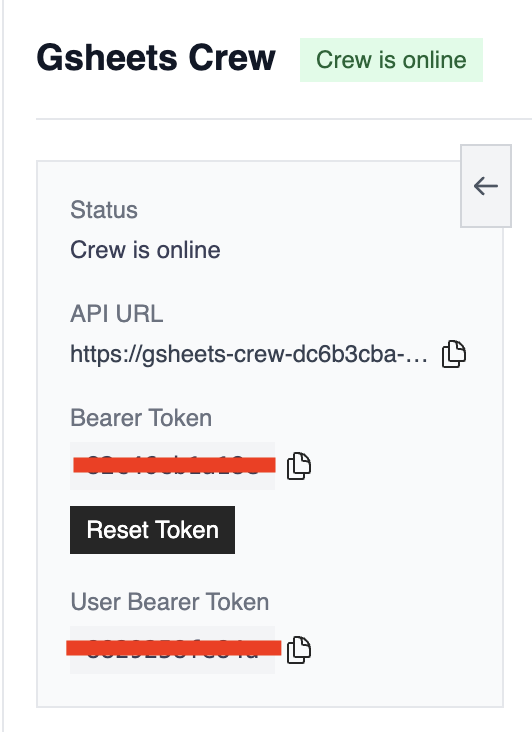
Catalog
Communication & Collaboration
- Gmail — Manage emails and drafts
- Slack — Workspace notifications and alerts
- Microsoft — Office 365 and Teams integration
Project Management
- Jira — Issue tracking and project management
- ClickUp — Task and productivity management
- Asana — Team task and project coordination
- Notion — Page and database management
- Linear — Software project and bug tracking
- GitHub — Repository and issue management
Customer Relationship Management
- Salesforce — CRM account and opportunity management
- HubSpot — Sales pipeline and contact management
- Zendesk — Customer support ticket management
Business & Finance
- Stripe — Payment processing and customer management
- Shopify — E‑commerce store and product management
Productivity & Storage
- Google Sheets — Spreadsheet data synchronization
- Google Calendar — Event and schedule management
- Box — File storage and document management
Related
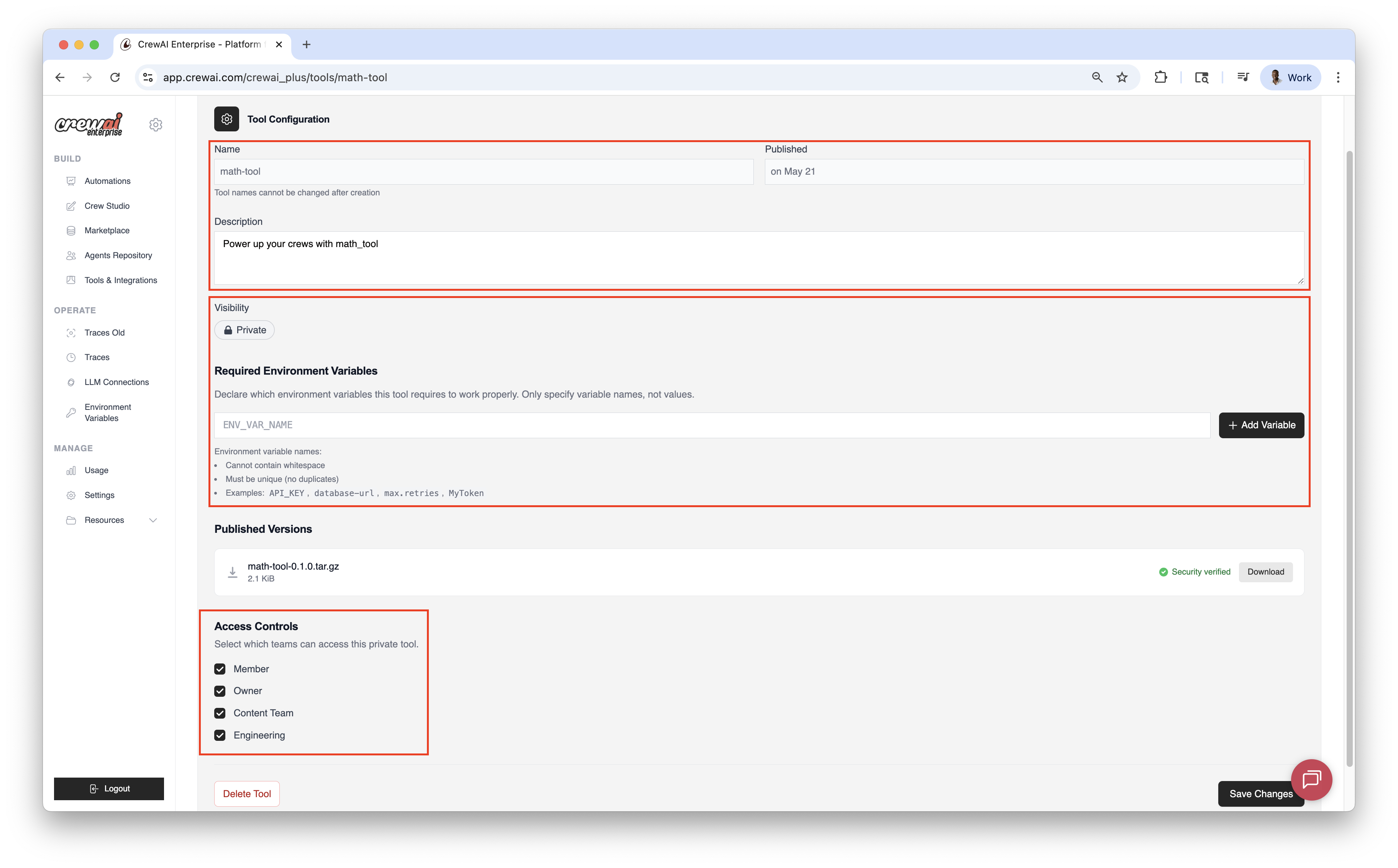
Tool Repository
Create, publish, and version custom tools for your organization.
Webhook Automation
Automate workflows and integrate with external platforms and services.